About Nice Graphs
Nice Graphs is a free online tool that converts plain text into charts using artificial intelligence. You paste a paragraph, a report excerpt or any text that contains numbers, and the AI extracts labels and values to build a chart automatically — no spreadsheet needed.
The idea came from a real problem: during a university project, creating charts from research data meant copying numbers one by one into Excel, formatting axes, choosing colors, and exporting. That process took 15–20 minutes per chart. Nice Graphs does it in under 10 seconds.
Today the platform supports 6 chart types (bar, line, pie, doughnut, radar and polar area), works in 3 languages (English, Portuguese and Spanish), and lets you customize every visual detail — colors, labels, title — before downloading as PNG or PDF.
The Problem Nice Graphs Solves
Numbers are everywhere — in news articles, quarterly reports, academic papers, survey results, class notes. But turning those numbers into a chart usually means: 1- read the text, 2- identify the relevant values, 3- open a spreadsheet, 4- type each value manually, 5- select a chart type, 6- format colors and labels, 7- export. Seven steps, easily 15 minutes of work.
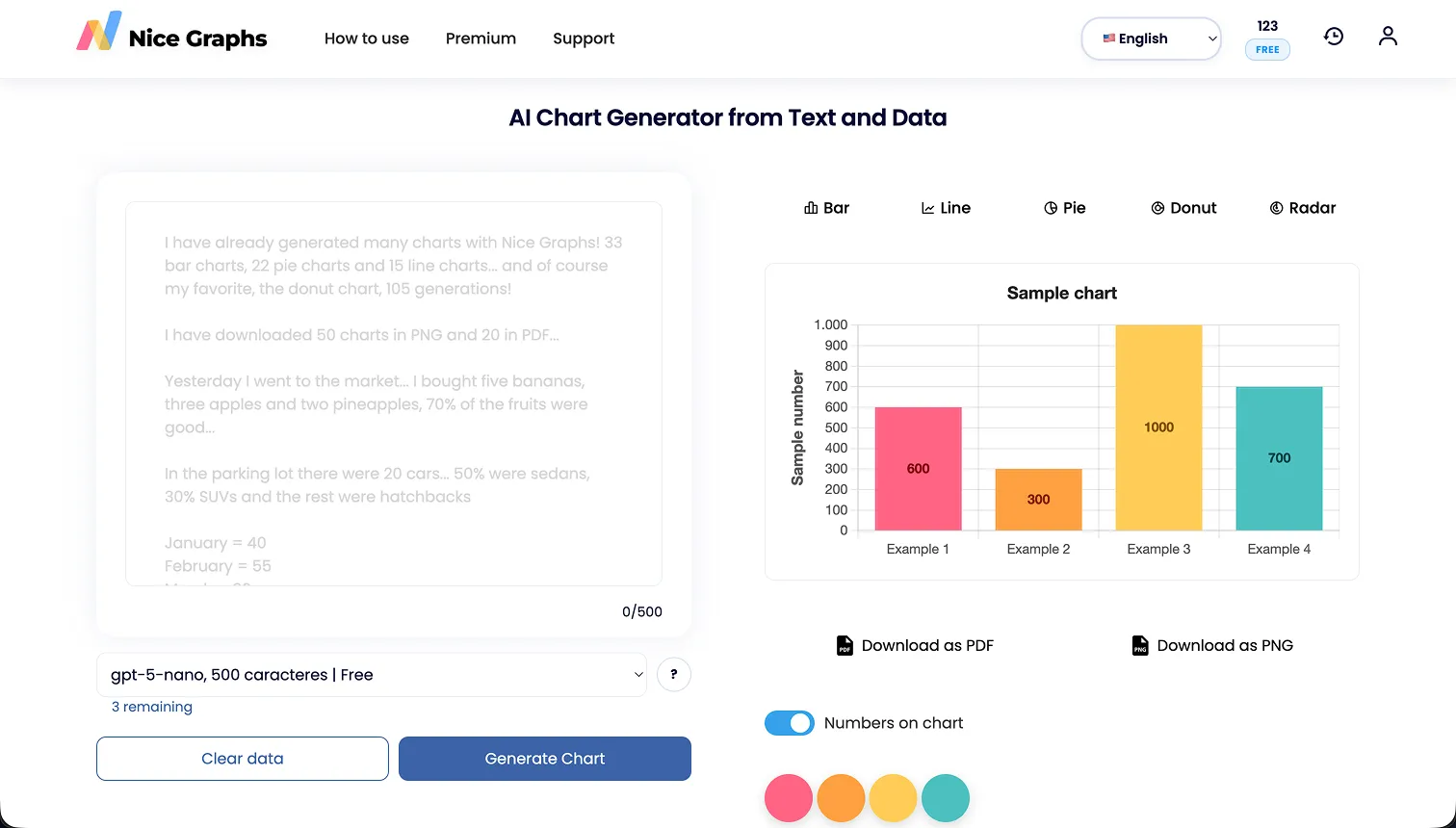
Nice Graphs compresses that entire workflow into one action: paste the text and click Generate. The AI handles extraction, chart selection and formatting. You only step in if you want to customize the result.
Without Nice Graphs: read → extract → spreadsheet → format → export. At least 15 minutes per chart.
With Nice Graphs: paste → click → done. Under 10 seconds.
Try it now — it's freeHow It Works — Step by Step
The entire process takes under 10 seconds, and you don't need an account to start.
- Open Nice Graphs and paste any text that contains numbers — a report paragraph, survey results, financial data, anything.
- Click the Generate Chart button.
- The AI reads the text, identifies numerical values and their associated labels.
- A chart appears instantly. The AI picks the most suitable type (bar, line, pie, etc.), but you can switch.
- Customize if you want: change colors, edit labels, update the title, switch chart type.
- Download your chart as PNG or PDF — ready to use in presentations, reports or papers.
No Software, No Spreadsheets, No Complexity
Nice Graphs runs in your browser. There is nothing to install, no formulas to write, no templates to configure. Paste your text, click one button, get a professional chart. That's it.
Open the toolHow Nice Graphs Started
Nice Graphs started as a university project exploring whether AI could reliably extract data from unstructured text and generate charts from it.
The first question was simple: if you paste a paragraph that says "Brazil produced 62 million tons of soybeans in 2023, while Argentina produced 25 million," can an AI turn that into a bar chart? The answer was yes — and the prototype worked well enough to keep building.
Today, Nice Graphs is developed and maintained by an independent developer based in Brazil. The goal hasn't changed: make data visualization accessible to anyone, even people who have never opened a spreadsheet.